

Oreo black cursors
176Free
Enchant your screen with Oreo Spark Purple Cursors. Add magic and allure to your desktop with these captivating custom cursors.
Unleash the macabre charm of Halloween on your desktop with our exclusive, creative, bold design custom cursors collection for Chrome. Among the standout designs is the chilling Burger Skull custom cursor—a blood-illustrated pointer that redefines edgy with its gruesome detail. This Burger Skull cursor for mouse and pointer is meticulously designed to capture the raw, spooky energy of Halloween, making every click an experience that echoes the thrill of the season.
Complementing the Burger Skull is the Zombie Hand hover for the mouse, a design that brings a dynamic and interactive twist to your browsing experience. As you glide your mouse, the Zombie Hand appears to reach out, infusing your screen with a sense of playful horror that is both captivating and eerie. These innovative designs aren’t just ordinary pointers—they are a bold statement of individuality and a testament to the power of creative expression in digital personalization.
Our Halloween cursors collection for Chrome is curated for enthusiasts who crave a unique, immersive online experience. Whether you’re upgrading your workspace for a festive celebration or simply looking to add a touch of darkness to your daily routine, these custom cursors are your perfect companion. Collect all cursors from the Halloween cursors collection for Chrome and transform your interface into a gallery of haunting art. Embrace the spirit of Halloween and let your cursor become a conversation piece that brings a slice of the supernatural to every click.
Install the Cursor Space extension for Chrome or Cursor Space for Edge in your browser.
On this page, click "Add this cursor pack to the extension".
Open the extension and go to the Packs tab.
Find the custom cursor pack "Burger Skull and Zombie Hand cursor" and click it.
Enjoy!
Get this cursor pack and thousands of others by installing our extension. It's fast and free!
Burger Skull And Zombie Hand Cursor is a themed cursor pack you can add to your browser to personalize your pointer across common cursor states (default and pointer). Use it for everyday browsing, streaming, studying, or gaming-anywhere you want your cursor to match your vibe.
See how the cursors look before installing.
Add the pack to the extension in a few clicks.
Designed for Chrome and Edge via the extension.
Quick answers to common questions about cursor packs, collections, and installation.
Yes. To apply cursor packs in Chrome or Edge, install the Cursor Space extension and add this pack to it.
Cursor packs are designed for Chromium browsers like Chrome and Microsoft Edge.
Open the extension, choose another pack or disable the current one to return to your default cursor.
Custom cursor and packs - neon, anime, pixel art. Quickly add to Chrome and Microsoft Edge for free
Enchant your screen with Oreo Spark Purple Cursors. Add magic and allure to your desktop with these captivating custom cursors.
Among Us Baby Yoda Character Cursor - Unleashing the Cuteness and Mischief in Outer Space
Yoshi, the lovable dinosaur-like character, is both an ally of Mario and Luigi and a sidekick to Mario in the main series
Add Xiao cursor in the collection of custom cursors with Genshin Impact for the browser.

The Hawkeye custom cursor for Google Chrome offers precision and sleek design. Experience the agility and accuracy of Hawkeye with this unique cursor.

Enter the World of Dragon Ball with the Among Us Son Goku Character Cursor
Among Us players have the option to select from a variety of colors to customize their in-game characters. In fact, there are 18 different hues available for selection in the game lobby.
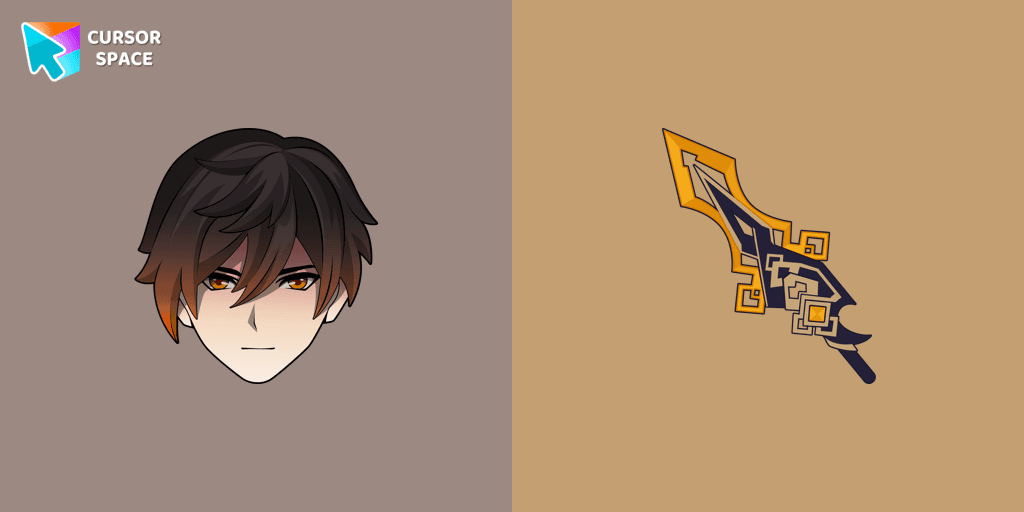
We are glad to present this custom cursor with Zhongli from the adorable custom cursors collection for the mouse and pointer.
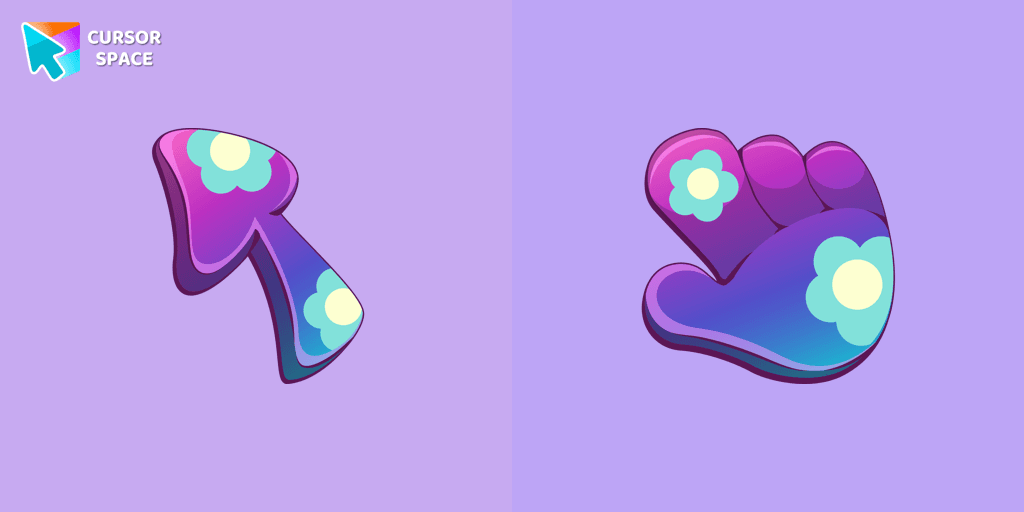
Upgrade your browsing with custom cursors like the Floristic design. Add elegance and personality to your mouse pointer today!
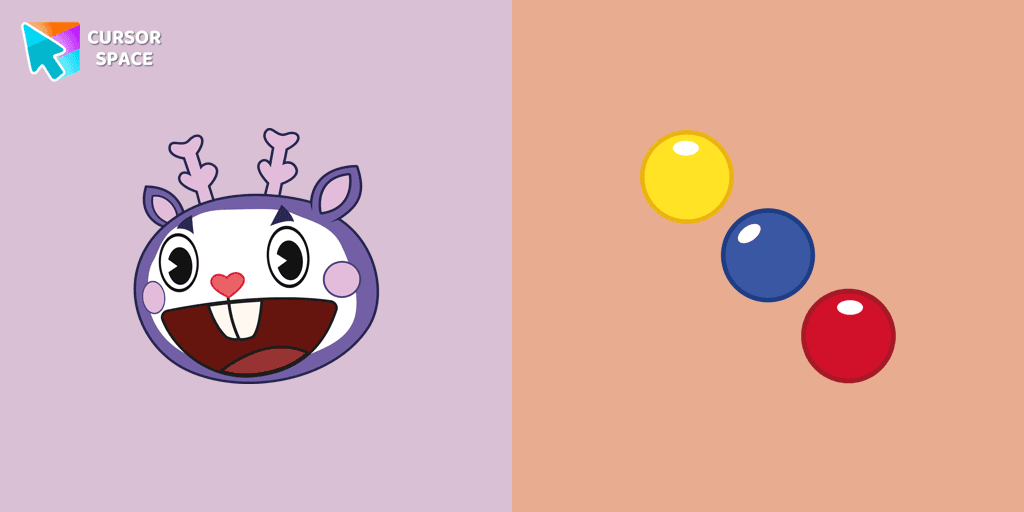
Mime, the purple deer character from Happy Tree Friends, is known for communicating solely through gestures.
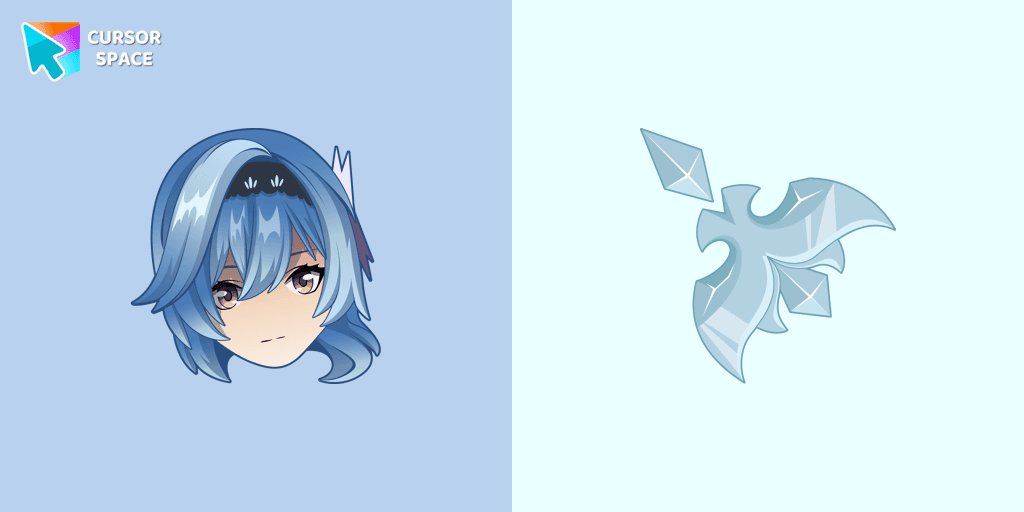
Eula cursor for mouse and custom hover pointer with character's weapon in Genshin Impact collection of custom cursors.
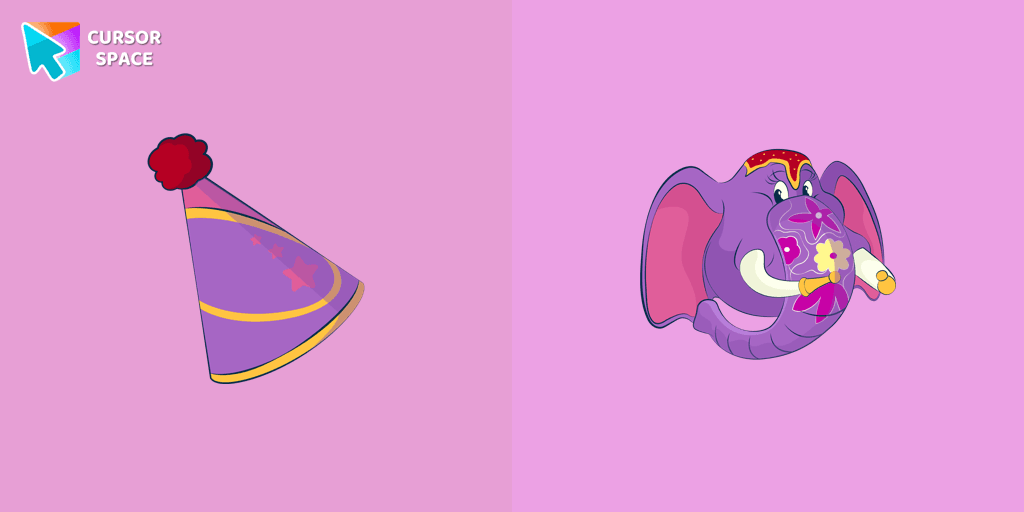
Tom and Jerry is a popular American animated cartoon known for its comedic short stories featuring cats and mice.
Installation leaders from "Halloween": free packs, neon/anime/pixel art, quick add to Chrome and Edge.
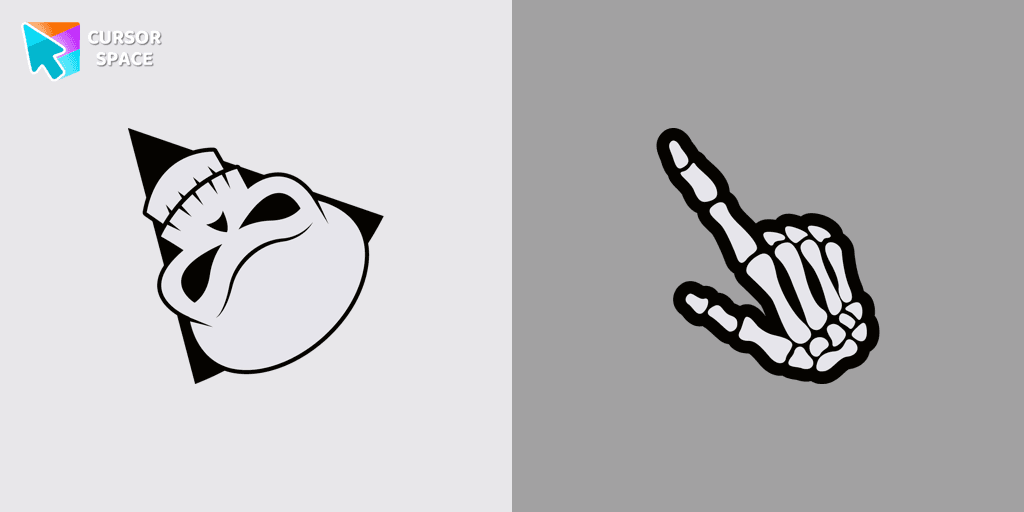
Angry Skull cursor for a mouse is a good Halloween art to decorate your browsing.
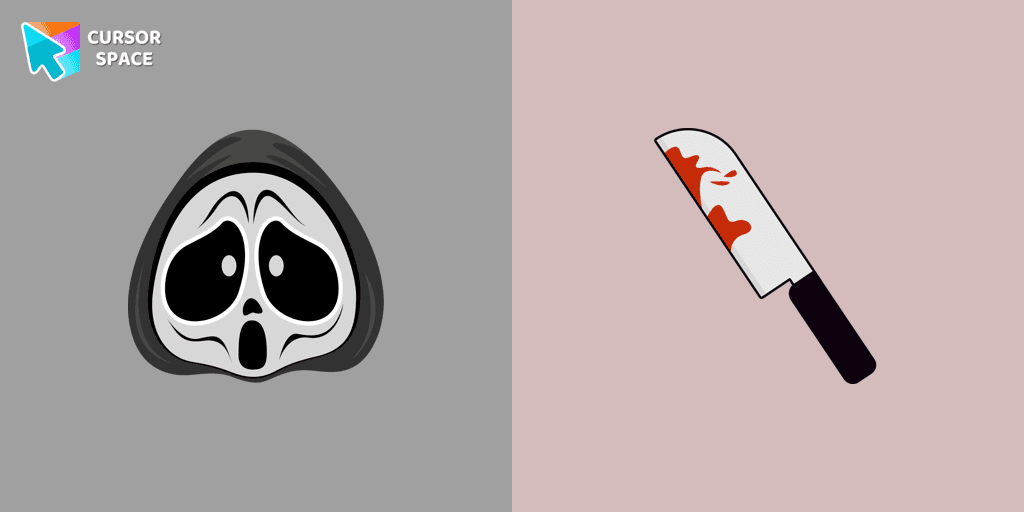
Ghostface cursor for mouse and custom hover pointer with a knife in our Halloween holiday collection of custom cursors.
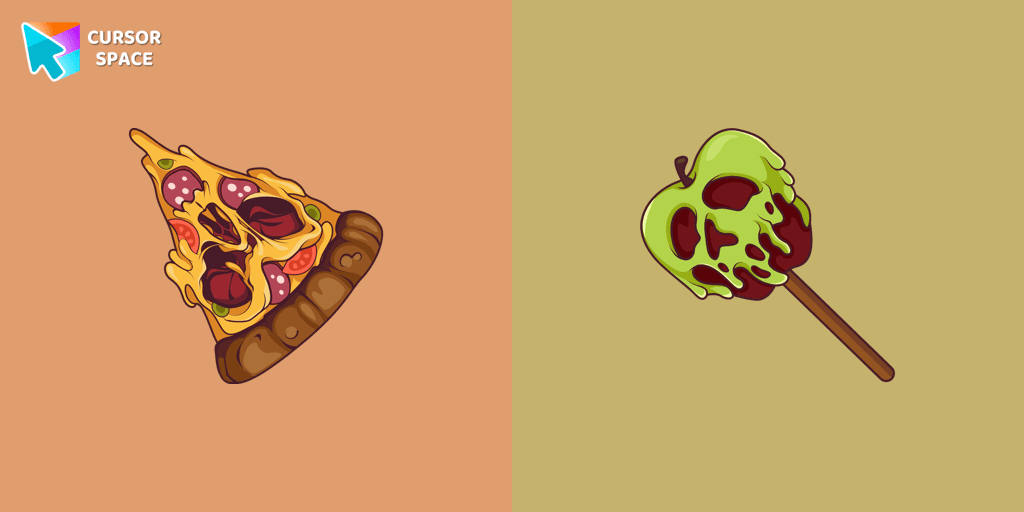
Don't forget to decorate your interface with a Pizza Monster custom cursor from our Halloween custom cursors collection.
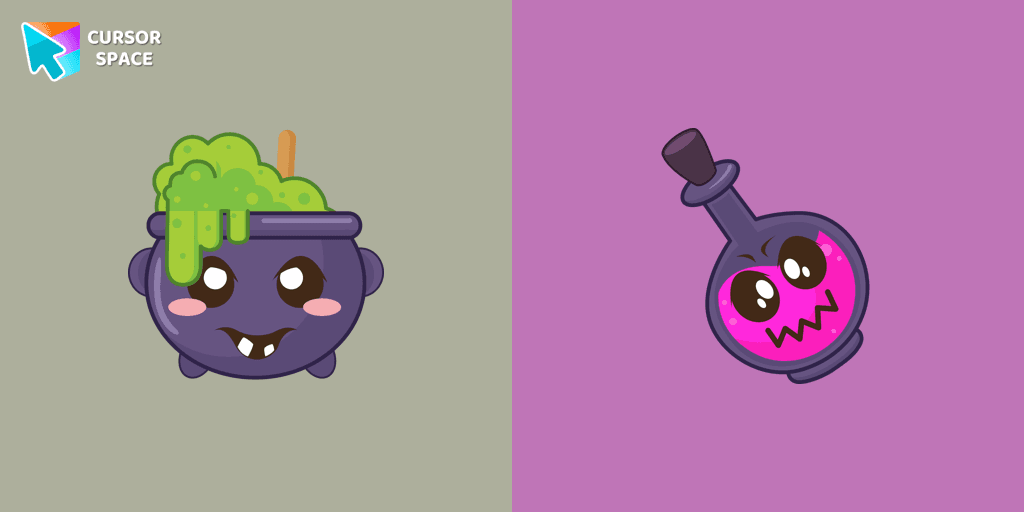
Our Halloween custom cursors collection for Chrome includes many themed cursors, one of them Potion Cauldron and Poison.
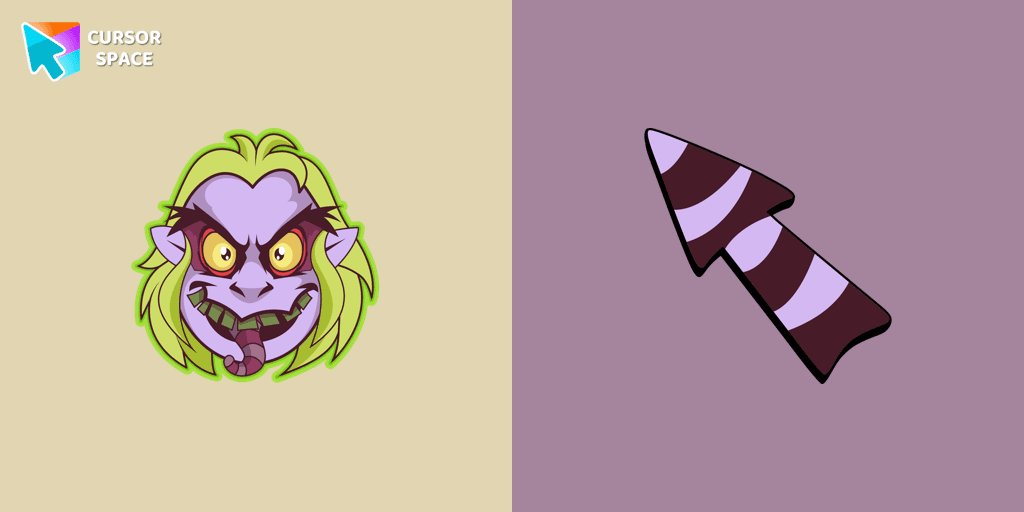
Welcome to our Halloween custom cursors collection for Chrome where you will find a custom cursor with Beetlejuice.
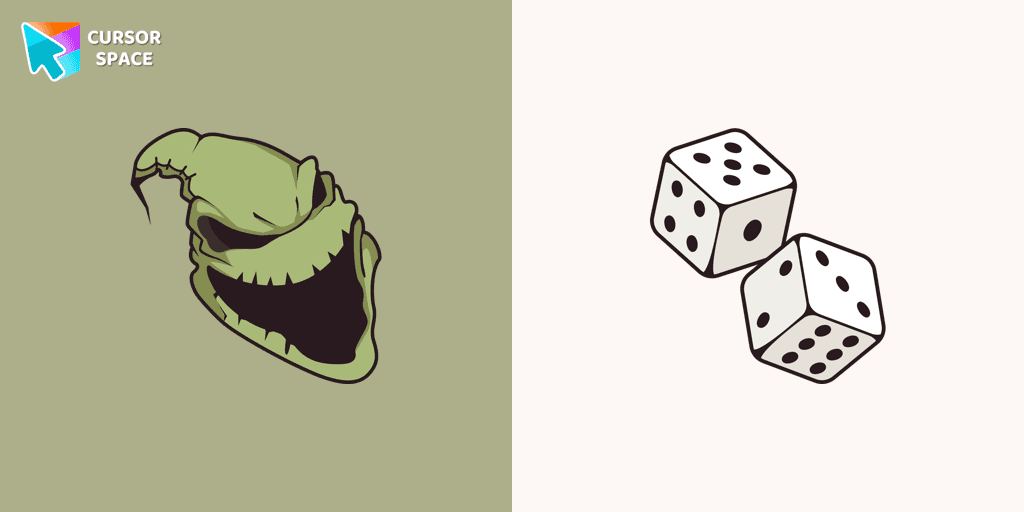
Boogeyman custom cursor for mouse and pointer is perfect for getting into the holiday spirit on Halloween.

Our Friendly Skull custom Cursor from our Halloween custom cursors collection for Chrome will help you with this.

Celebrate it with our Skull with Bow custom cursor for mouse and pointer which has an incredible, cool design.
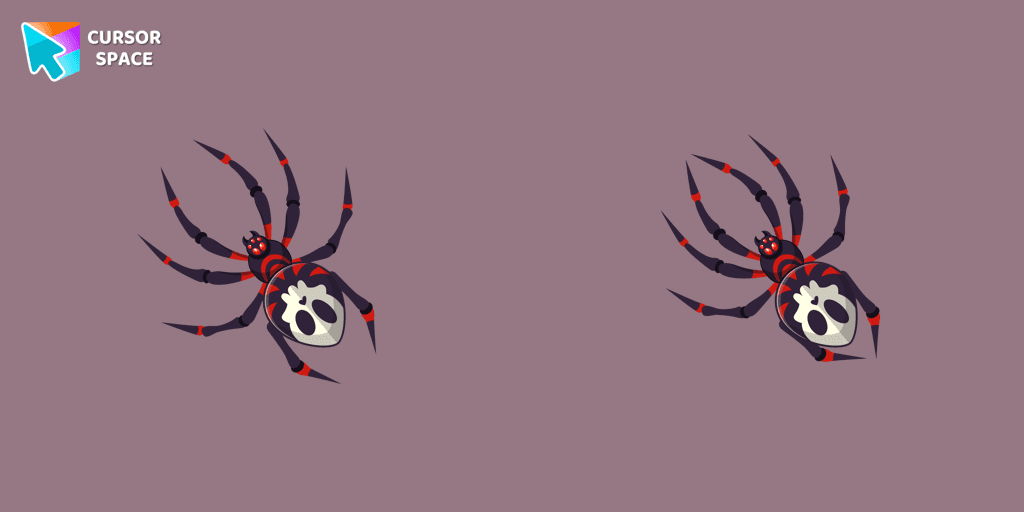
The Skull Spider custom cursor for the mouse will look pretty spooky on your screen.
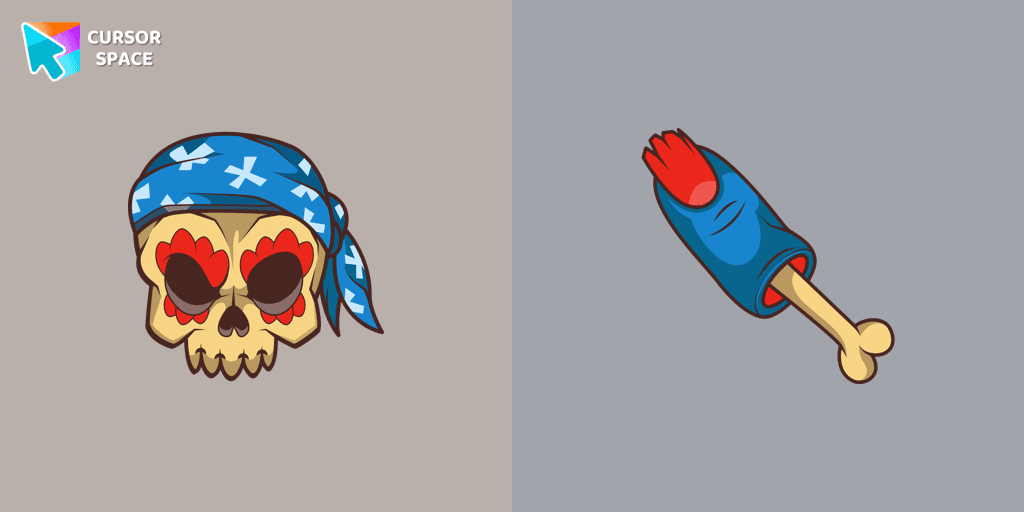
Pirate Skull custom cursors are the perfect option for our Halloween custom cursors collection for Chrome.
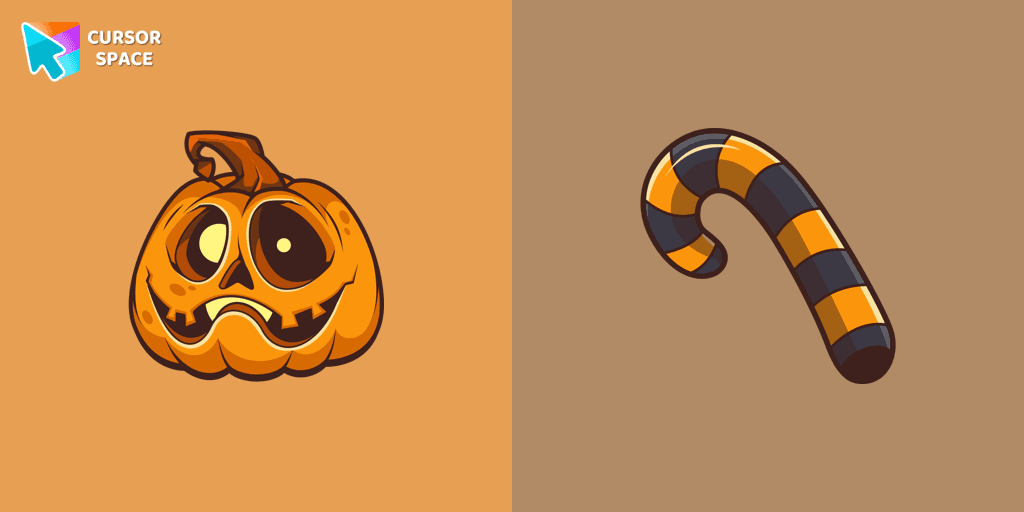
Our Pumpkin custom cursor was created especially for the chilling holiday season for our Halloween custom cursors collection for Chrome.
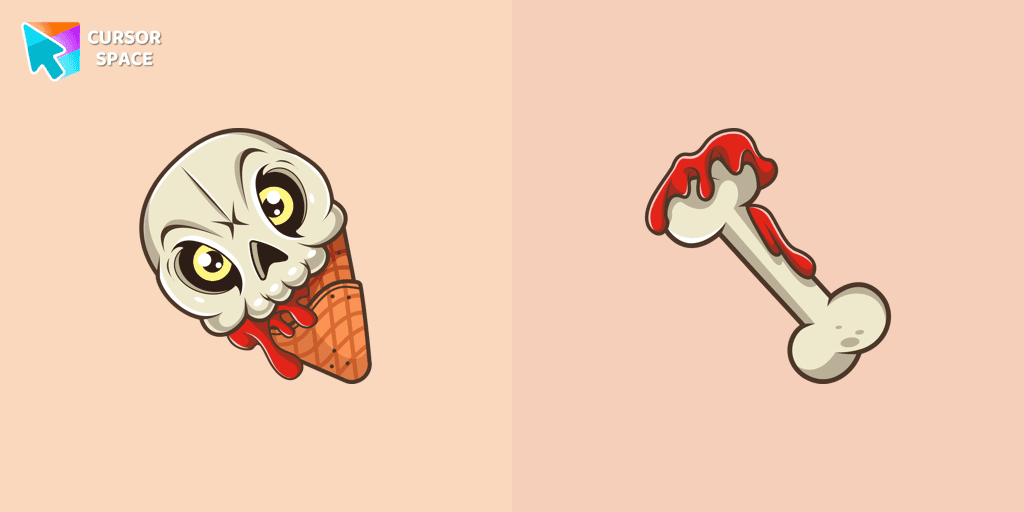
If you want to change the default cursor to Ice Cream Cone Skull, you are welcome to our collection of cursors for Halloween.
Add packs instantly and unlock access to thousands of cursors: neon, anime, pixel-art, and more. Fast, safe, and free.
Cursor Space is an extension for changing your mouse cursor in Chrome and Edge browsers: themed collections, HiDPI icons, neon, animated, and pixel cursors, with quick installation.
